 PrintumiStart creating
 THE FINISHING TOUCH, BEFORE YOU PRINT.
Good work
deserves a
great print.
Free tools to turn your images and PDFs into beautifully prepared prints. Get the size, crop and layout right — then make it real.
No sign-up. No uploads. No watermarks.
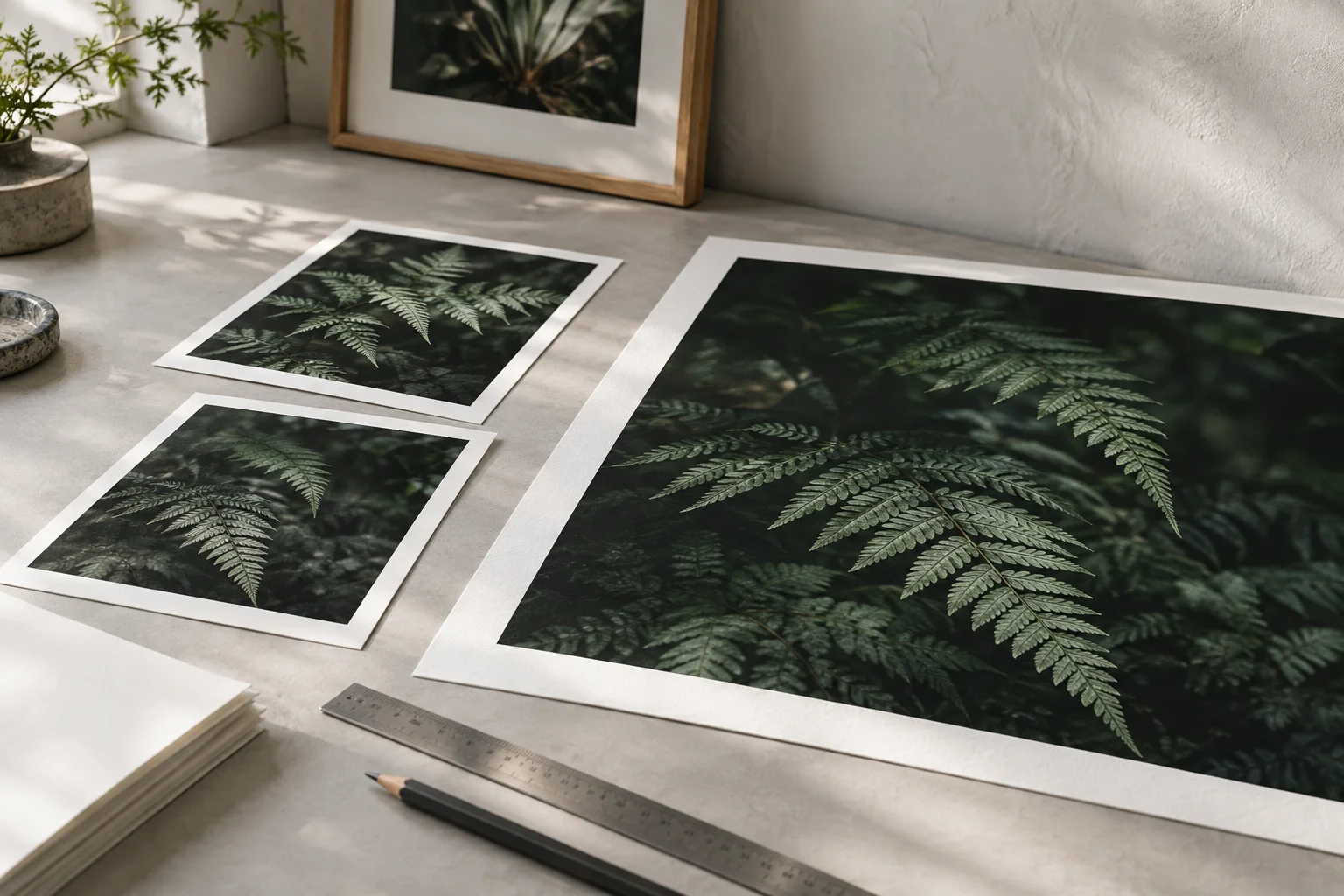
- A little less print prep.
A lot more making. - Always on your deviceYour images and PDFs stay local.
- Made for your workflowDownload PNG, JPEG, SVG, PDF or ZIP.
- Free to get it rightSeven free tools. No account required.
YOUR PRINT TOOLKIT
What are you
working on?
From a single photograph to a whole collection.
Choose a tool and get straight to work.
Image check & crop
Find your crop. Check your resolution. Export at the right size.
PNG / JPEG / PDFWall art & batch export
One artwork, multiple frames. Prepare a complete set of sizes.
IMAGE ZIP + SIZE LISTTiled poster maker
Go beyond your paper size. Print, trim and assemble a big poster.
MULTI-PAGE PDF / SVG ZIPPDF pages & booklets
Merge, reorder and arrange your pages into sheets or booklets.
PDF / SPLIT-PAGE ZIPSize & bleed calculator
Convert pixels to print dimensions. Allow for bleed and safe areas.
SVG / PDF TEMPLATELabels & photo sheets
Arrange labels or photos across a sheet, with copies and spacing.
PDF / SVGKDP paperback planner
Plan your cover, spine and interior with reference templates.
SVG / PDF REFERENCENot sure where to begin?
Start by checking your image size in the first tool.
NEW · PRINTUMI STUDIO
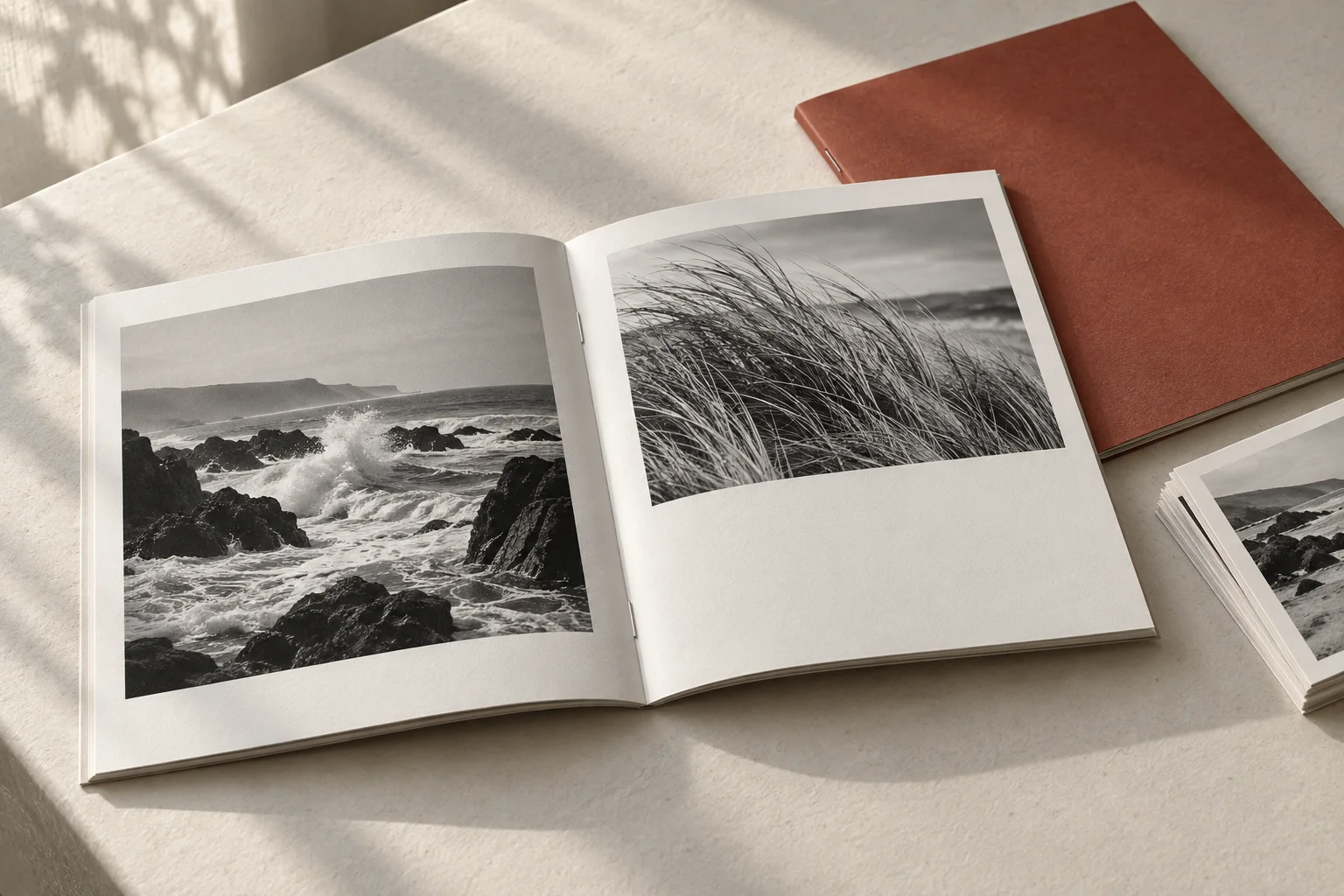
Your three-piece collection, ready to hand over.
Review matching borders and crops for free. Build buyer-ready attachments and printing guides with Studio — US$9.99/month, unlimited use while subscribed.
BEYOND THE PREVIEW
A file you can
actually use.
The final step should feel simple. Prepare your layout, check the details and download a file for your next print.
- Choose your finish
- Export an image, a PDF, a vector template or a bundle — depending on the tool.
- Keep the details intact
- Get honest resolution guidance. Enlarging an image won’t add detail that wasn’t there.
- Print with confidence
- Use actual size or 100% scale. Check a test sheet before your final run.
A SIMPLE WAY TO WORK
Your idea. Three steps to paper.
- 01
Bring your file.
Choose an image or PDF, or start with the dimensions you have in mind.
- 02
Make the adjustments.
Set the size, check the preview and refine the crop or layout.
- 03
Download and print.
Save your file in the format you need. Your work is ready for a test print.
Are all the tools free?
The seven print tools and their downloads are free to use, with no registration or service watermarks. Optional Printumi Studio costs US$9.99/month for unlimited three-piece deliveries while subscribed; reviewing your set stays free. Each tool has published file and output limits to help protect your device’s memory.
Do my files leave my device?
Your images and PDFs are processed in your browser and are not uploaded to Printumi. Contact form messages are sent when you submit them. See our Privacy Policy for the full details.
Will a larger image mean a sharper print?
Not by itself. Increasing the pixel count cannot recover missing detail. Use the resolution guidance in the image tool and check a test print at your intended size.
Can I use Printumi on my phone or tablet?
Yes. The tools work in modern browsers on phones, tablets and computers. Larger images and PDF tasks need more memory; split large jobs if your device reaches its limit.
How should I print the downloaded file?
Choose actual size or 100% scale in your print settings. Avoid “fit to page” when dimensions matter. Check the paper size and use a test sheet or the tool’s calibration page before printing the full job.
LET’S PUT IT ON PAPER.